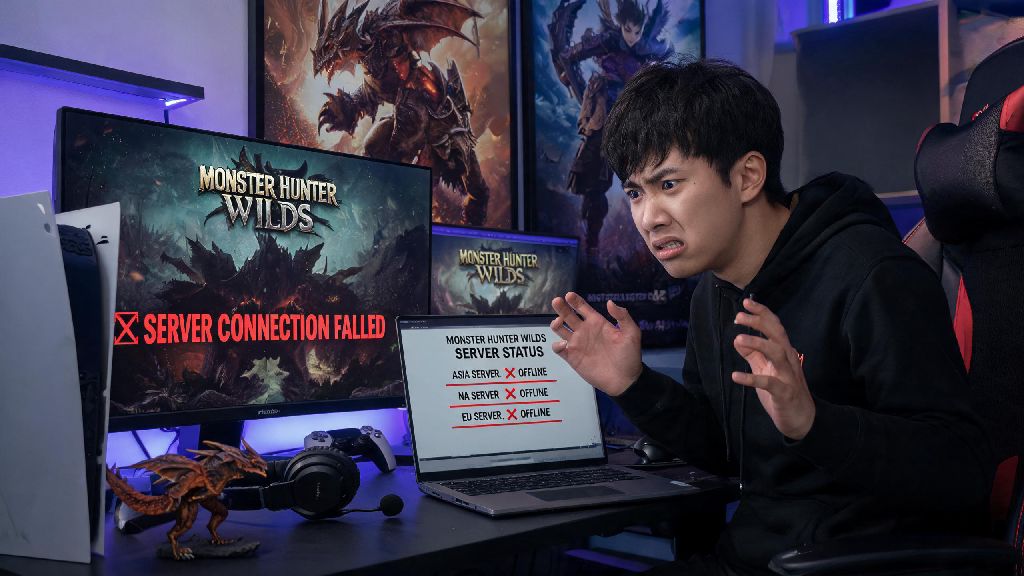
If you’ve ever been 20 minutes into a hunt for the new Elder Dragon Zorogath in 2026’s Monster Hunter Wilds, only to get booted mid-attack with a connection error, you know how frustrating it is to lose all that progress. Last month, I lost a full set of rare Zorogath plating when servers crashed 30 seconds before my squad finished the hunt, and I’ve been obsessive about checking status before every session ever since. Before you start resetting your router or reinstalling the game, the first thing you should always check is the monster hunter wilds server status. Most connection issues aren’t on your end, and knowing when servers are down for maintenance or experiencing unexpected outages can save you hours of unnecessary troubleshooting.
Official Ways to Check Monster Hunter Wilds Server Status in 2026
Capcom has made it easier than ever to get real-time server updates this year, so you don’t have to dig through random forum posts to find accurate information. The first place you should check is the official Capcom Monster Hunter Wilds server status page, which updates every 60 seconds and breaks down uptime by platform and region. It also lists scheduled maintenance windows 72 hours in advance, so you can plan your hunt sessions around downtime. Always prioritize official sources first because third-party status sites can be delayed by 10 to 15 minutes, which is enough time for you to restart your console for no reason.
You can also follow the official @MonsterHunter X (Twitter) account, which posts immediate alerts for unexpected outages, maintenance extensions, and when servers go back online after updates. If you’re already in the game, the main menu notification board will pop up a bright yellow warning 24 hours before scheduled maintenance, with reminders to wrap up ongoing quests before servers shut down. I keep the X account notifications turned on for my phone, so I get a ping 10 minutes before maintenance starts even if I’m in the middle of a casual hunt.
Common Signs You’re Facing a Server Outage, Not a Home Network Issue
It’s easy to blame your Wi-Fi when you get booted from a hunt, but there are clear signs that the problem is on Capcom’s end instead of yours. I’ve made the mistake of resetting my router three times in a row before realizing the entire Wilds player base was facing an outage, so I’ve compiled a quick list of red flags to look for:
You don’t have to waste time testing every part of your setup if multiple of these signs apply to you. Last quarter, my squad spent 20 minutes troubleshooting our headsets and internet providers, only to find out Capcom was rolling out a surprise balance patch for the new greatsword moveset that crashed all servers for 45 minutes. If you’re still not sure, you can pop into the official Monster Hunter Discord server’s #status channel to see if other players are reporting the same issues you’re facing.
What to Do When Servers Are Down to Minimize Lost Progress
Even if you check the status regularly, you will still get caught by unexpected outages sometimes, especially when new event quests drop and thousands of players log on at the same time. The first thing you should do if you see a server maintenance alert pop up mid-session is wrap up your current quest as fast as possible, and turn in any completed quests you have in your log. Never leave a quest unsubmitted if you see a server maintenance alert – you’ll lose all the materials you collected during that hunt, even if you completed it right as the servers went down.
If servers go down unexpectedly mid-hunt, don’t close the game immediately. Wait 2 to 3 minutes to see if the connection re-establishes; if it does, you’ll usually be sent back to the nearest camp with all the materials you collected up to that point. If the servers stay down, you can use the downtime to farm offline-only materials, test out new weapon builds in the training arena, or organize your item box so you’re ready to jump right back into hunts as soon as servers are back up. I usually use maintenance windows to look up new build guides for the latest monsters, so I have a plan for what to grind as soon as servers go live again.
How to Get Alerts for Future Monster Hunter Wilds Server Outages
You don’t have to manually check the status page every time you want to play to avoid unexpected downtime. There are a few easy ways to get automatic alerts so you never get caught mid-hunt by a server crash again. First, turn on push notifications for the official @MonsterHunter X account, so you get a ping as soon as they announce maintenance or unexpected outages. The account usually posts maintenance alerts 24 hours in advance, and sends follow-up updates if maintenance is extended or servers come back online early.
You can also join the official Monster Hunter Discord server, where moderators post server status updates within 5 minutes of an outage being reported. For players who hunt during off-peak hours, you can set up a free custom alert on services like DownDetector that will send you a text or email if a large number of outage reports are filed for Wilds servers. Scheduled maintenance almost always happens on Tuesday mornings between 2AM and 6AM UTC, so if you usually hunt during that window, you can plan ahead to play offline content instead of getting caught off guard. I usually schedule my long endgame grind sessions for Wednesday evenings, right after maintenance wraps up, so I never have to deal with unexpected downtime during a high-stakes hunt.
At the end of the day, knowing how to check monster hunter wilds server status quickly can save you a ton of frustration and wasted time that you could be spending hunting rare monsters or grinding for endgame gear. You don’t need to be a tech expert to tell the difference between a server issue and a home network problem, and setting up simple alerts means you’ll never get caught mid-hunt by an unexpected outage again. The 2026 content roadmap for Wilds has tons of new monsters and limited-time events coming later this year, so being prepared for scheduled maintenance windows will make sure you don’t miss out on exclusive rewards. Next time you get a connection error, check the server status first before you do anything else – your squad (and your lost rare materials) will thank you.